The Forge is out in Beta, and a whole world stretches out before you. We’ve been playing for hours, and we’re eager to help you get started with this guide on how to play The Forge.
Want to try out the Beta? Head over to its listing on Roblox. If you’d like some free rerolls, maybe take a look at our The Forge codes guide.
How To Play The Forge On Roblox
We’ve divided this guide up into sections, and you can navigate to whatever you want to check from the table of contents below.
The Basics
So, what’s the game all about? The Forge is all about… forging. You set out into the world and try to create the greatest weapons known to man… but it won’t be an easy task. The gameplay loop of The Forge has a number of different steps.
- Head down to a mine to get ore.
- Fight monsters in the mines. (If necessary.)
- Bring ore to the forge.
- Forge equipment.
- Sell equipment to make money.
- Buy new upgrades with the money.
Controls
Not sure about how to drive? Let’s go over the keybinds.
- WASD – Movement
- LMB – Swing Pickaxe/ Weapon
- E – Interact
- Shift – Run
- F – Block
- Number Key – Hotbar Item Selection
- T – Open Inventory
Player Races
Each player character has a player race, one of thirteen different races.
Player Race List
- Human
- Elf
- Zombie
- Goblin
- Undead
- Orc
- Dwarf
- Shadow
- Minotaur
- Dragonborn
- Golem
- Angel
- Demon
Player race is determined by a gacha roll. If you’d like to reroll yours, you can normally get Rerolls from promo codes. If you’d got some, you can go and speak to the Wizard NPC in his tower and speak to him. (You should run into The Wizard and his tower in the tutorial section.)
Mining
If you want to get to forging, the first thing you need to learn is how to mine for ores. Ores are the raw materials used to create weapons and armor. To get ores you need to crack open rocks with your pickaxe. The better the pickaxe, the larger rocks you can crack.
- Stone Pickaxe can break pebbles.
- Iron Pickaxe can break rocks.
- Gold Pickaxe can break boulders.
Fighting
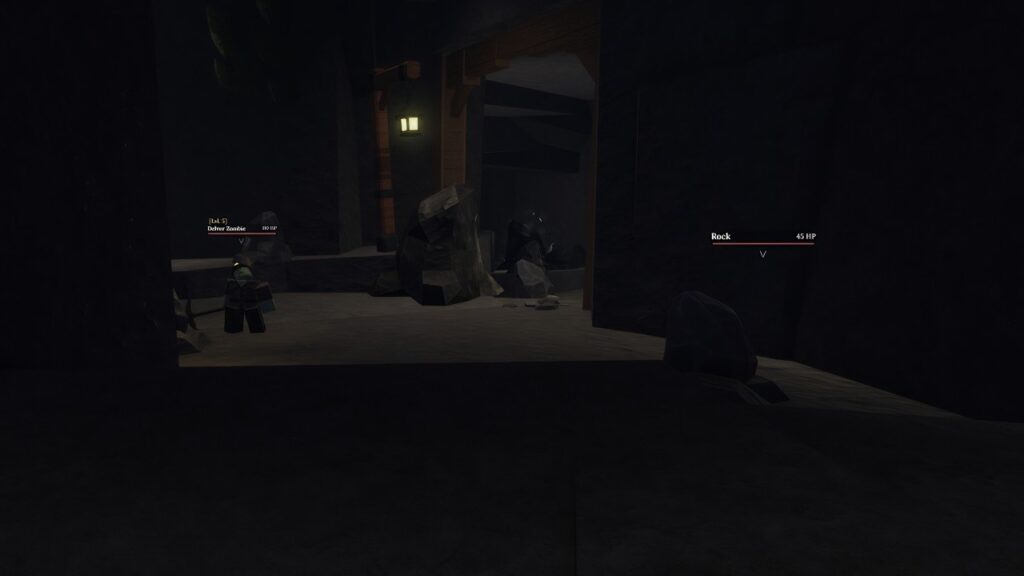
Inside the mines you’re likely to find monsters. These hostile creatures will try to attack you if you get close enough. To take them on, you need a weapon. Better weapons will do more damage. Better armor will reduce the damage the monsters can do to you.
If you die, you’ll get sent to the surface again, which is annoying.
The deeper you get into the cave, the more powerful the enemies will be. Don’t forget you can make a run for it if you’re getting outmatched.
In combat, you can hit F to block. If you time this correctly, you can deflect a hit, and even stun the monster for a short period.

Forging
Next big step in how to play The Forge. Now you have ore, you can use it in the forge, which you’ll find back by your spawn.
You can forge two types of equipment, weapons or armor. There are different kinds of all of these, and what you get will depend on how much, and what type of ore you put in. You can make an item with as little as three ore, but that will almost certainly create a small object, like a dagger or a basic helmet.
The forging process is made up of several different minigames. How well you do in each of them will determine the quality of the weapon. So let’s go over each of the minigames.
Heating Up The Forge
In this minigame, you need to grab the green button on the bellows with your cursor and move it up and down as quickly as possible.
Pouring The Metal
In this game, a moving bar should pop up on the left. You need to keep the little needle-like cursor inside the moving yellow bar. As long as it stays in there, the metal should keep pouring.
Hammering Out The Product
In the final minigame, you will see circles that indicate where the hammer is going to strike the item. Hover your cursor over the strike area and hit it right as the circle turns green.
If you manage to do these well, you should get a high-quality or even masterwork piece of equipment. You can equip them to use in combat yourself, or, if you’re already set, you can take it to the merchant and sell it for money.

Enhancement
Finally got a good piece of weaponry or armor? You can make it even better.
Head to the Enhancer NPC. This guy can enhance your weapons to improve their stats. To do this you need money (the higher the level, the more it will cost) and Essences. Essences are drops from enemies you fight in the mines. The rarer and tougher the enemies, the better the chance of bigger, more valuable essences.
After a certain stage, there’s a chance that enhancing will fail, so you will need to plan for this.
Runes
Once you’ve enhanced your weapon, you can also give them Runes. Runes are little items marked with a glyph that give special powers to weaponry or pickaxes when you pay to attach them via the Runemaker NPC. As mentioned, to apply a Rune to a weapon, they need to already have at least one Enhancement.
Now you know how to play The Forge. Get out there and create a masterpiece.